Grow a garden for Brainrots
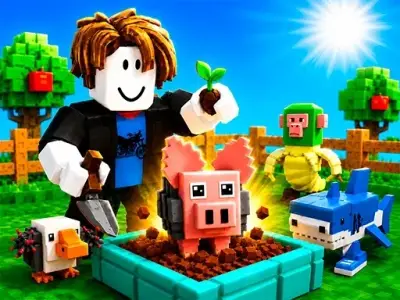
Grow a garden for Brainrots is a casual 3D farming game designed for players who love managing virtual plots. You must plant seeds, nurture your crops, and harvest rare items to succeed in this vibrant world. Moreover, the core objective involves building the ultimate collection while expanding your territory. Grow a garden for Brainrots effectively combines strategic planning with relaxing mechanics to ensure that every player feels engaged while cultivating their unique digital landscape.
Players interact with the environment by using specific keys to plant, harvest, or clear their garden beds. As you progress, the game allows you to upgrade your existing beds to increase efficiency. Furthermore, you can sell your gathered crops to earn currency for further improvements. Consequently, managing your resources becomes essential as you aim to unlock new zones, making the gameplay loop, in particular, quite rewarding for those who enjoy steady progression.
Beyond that, the game features a sophisticated upgrade system that makes Grow a garden for Brainrots distinct from simple farming simulators. You can level up your equipment to optimize your harvest speed and capacity. Finally, the joy of unlocking new garden areas provides a constant sense of achievement that keeps the farming adventure fresh and exciting for all types of players.
Frequently asked questions
How do I play Grow a garden for Brainrots?
Move your character toward the available garden beds. Interact with the soil to plant your seeds. Wait for the items to mature before harvesting them. Sell your rare crops to gain currency for upgrades. Use your points to expand into new garden zones.
What are the controls for Grow a garden for Brainrots?
Keyboard: WASD to move, E to interact, and Q to upgrade beds. Mobile: Use the left side of the screen to move, the right side to rotate, and on-screen buttons to interact.
Can I play Grow a garden for Brainrots on my phone, and do I need to download it?
There is nothing to download or install. The game Grow a garden for Brainrots runs in your web browser (Desktop and Mobile). It works best in landscape orientation.
Is the game Grow a garden for Brainrots free, and what if it does not work?
Yes, Grow a garden for Brainrots is free to play and no account is needed. If it will not load or something looks wrong, reload the page first. If the problem continues, press the Report Problem button under the game and we will check it.
Where can I find more games like Grow a garden for Brainrots?
See all categories to find more.