Find Objects – Hidden Item
Description
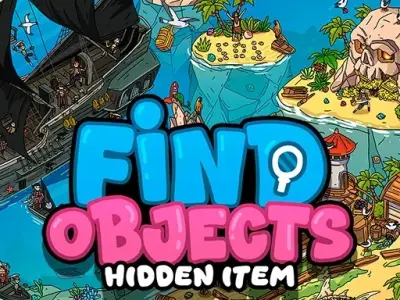
Find Objects – Hidden Item is a captivating puzzle game designed for eagle-eyed players. In this experience, you embark on a journey through vibrant 2D locations to locate various concealed elements. Furthermore, the game challenges your observation skills across diverse landscapes ranging from busy cities to mystical realms. As a result, Find Objects – Hidden Item provides a relaxing yet stimulating environment where your primary objective is to clear your list of items by exploring every corner of the screen.
To master the mechanics, you must carefully inspect each map for specific targets. Consequently, clicking on these objects allows you to tick them off your list as you progress. Moreover, the game features a unique ‘Spot the Difference’ mode that tests your attention by comparing two near-identical images. Therefore, you must remain focused while you scan for subtle discrepancies. Beyond that, the intuitive interface ensures that your interaction with the map remains smooth and highly responsive throughout every single level.
Finally, Find Objects – Hidden Item includes a helpful hint system for those tricky items that stay perfectly concealed. Additionally, this feature ensures that you never feel stuck for too long while searching. These bonuses, furthermore, add an extra layer of satisfaction as you successfully complete each colorful and detailed puzzle map.
How to Play Find Objects – Hidden Item
Scan the provided list to identify your targets. Click on items found within the map to collect them. Use the scroll wheel to zoom in on complex areas. Move the view by holding the mouse button or using arrows. Finally, utilize hints if you get stuck.
Controls
Mouse: Click to select items, scroll to zoom, and right-click or drag to pan across the map.
Mobile: Tap the screen to select items, pinch to zoom, and drag your finger to navigate the map.
Are you a fan of fun puzzle challenges? This game was designed for you. Do not stop here. Check out our other puzzle games titles. Visit our Home page now. Explore more exciting games today!