Favorite Puzzles
Description
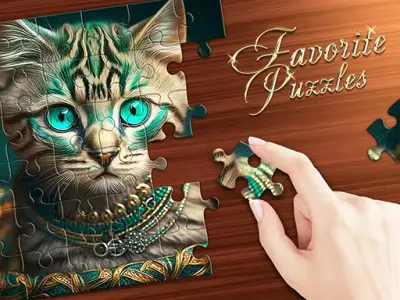
Favorite Puzzles is a relaxing puzzle game. It invites players into an expansive digital gallery filled with high-quality images. Consequently, you can choose from a vast array of subjects to suit your personal preferences. The primary objective, furthermore, is to assemble these fragmented pieces into a complete, beautiful picture. This engaging experience is suitable for all ages, as Favorite Puzzles offers a versatile difficulty level that adapts to your unique skill set perfectly.
To begin playing, you simply select an image and define the complexity by choosing between six and six hundred individual elements. The mechanics are intuitive, as you drag and drop pieces across the workspace to find their correct positions. If you struggle, moreover, you can utilize helpful features like the grid overlay or a preview example to simplify the process. Furthermore, the game allows for a seamless zooming function, which ensures that every intricate detail remains visible during your assembly.
Beyond that, the game offers a unique creative mode that allows you to import your own personal photos or pictures to transform them into custom jigsaw challenges. This feature, therefore, provides endless replayability by turning your memories into interactive art. Whether you are playing for relaxation or as a competitive mental workout, Favorite Puzzles delivers a high-quality experience that keeps your brain sharp while providing hours of calm entertainment.
How to Play Favorite Puzzles
Choose your desired image from the gallery. Select the number of pieces to adjust the difficulty. Drag and drop puzzle elements to connect them. Use the visual aids if you get stuck. Finally, complete the full image to unlock your next challenge.
Controls
Mouse: Use the left button to drag pieces and the scroll wheel to zoom or navigate the feed.
Mobile: Use your fingers to drag elements and perform pinch gestures to scale the screen view.
Are you a fan of fun puzzle challenges? This game was designed for you. Do not stop here. Check out our other puzzle games titles. Visit our Home page now. Explore more exciting games today!