Easy Coloring Labubu Time
Description
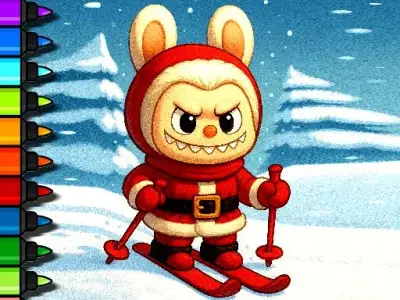
Easy Coloring Labubu Time is a playful coloring browser game that invites children to fill lively illustrations with bright hues. You can jump straight into the fun and play in browser, with no download needed, making it perfect for quick sessions at home or school.
The game offers an intuitive palette of crayons, markers, and brushes that respond instantly to clicks, letting kids experiment with shading and blending. Moreover, each picture is divided into clear sections, so young artists can stay focused while exploring their creativity.
Players can choose from a variety of themed scenes, ranging from cute animals to whimsical landscapes. Furthermore, a simple “undo” button lets kids correct mistakes without frustration, encouraging repeated attempts and confidence building throughout the session.
Easy Coloring Labubu Time Game Features
Easy Coloring Labubu Time showcases crisp, hand‑drawn graphics that pop on any screen size. The vibrant colors and smooth animations create an inviting atmosphere, while gentle background music adds a soothing touch. Additionally, the interface is clutter‑free, ensuring children can navigate tools effortlessly.
The game also includes a “color‑by‑number” option that guides beginners step‑by‑step, as well as a free‑draw mode for advanced creators. Moreover, seasonal updates bring fresh illustrations, keeping the experience lively and giving kids reasons to return regularly.
Overall, the experience feels rewarding and low‑pressure, allowing kids to express themselves at their own pace. Each completed picture can be saved as a snapshot, fostering a sense of achievement. Consequently, the simple yet engaging loop encourages repeated play, making Easy Coloring Labubu Time a go‑to activity for creative downtime.
How to Play
1. Open the game page in your browser; no download needed. Choose a picture you like.
2. Select a color from the palette displayed on the side. Click a section to apply it.
3. Use the brush size buttons to adjust thickness, then continue filling areas.
4. If you make a mistake, click the undo arrow to revert the last stroke.
5. Switch to the eraser tool to clean edges or start over on a specific part.
6. Explore the color‑by‑number guide for step‑by‑step assistance if desired.
7. When finished, click the save icon to capture your artwork and share it.