Coach Bus Drive Simulator
Description
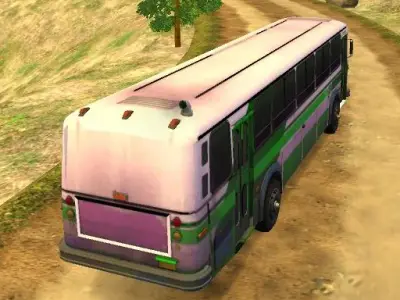
Coach Bus Drive Simulator is a realistic 3D driving simulation game. Consequently, it invites players to master the art of navigating large vehicles through busy environments. The primary objective, furthermore, requires you to pick up passengers at designated bus stations. By successfully completing these routes, you demonstrate your proficiency behind the wheel. Therefore, Coach Bus Drive Simulator serves as an ideal training ground for anyone eager to test their precision driving skills in a virtual setting.
Players interact with the game by selecting from various bus models before hitting the road. Additionally, the interface provides a helpful map in the upper left corner to guide your journey. You must follow this route carefully, as it leads directly to the next pickup point. Moreover, the physics engine reacts to your inputs, making every turn feel deliberate. As a result, you must balance speed and safety to ensure your passengers arrive on time without any incidents.
Finally, Coach Bus Drive Simulator offers three distinct game modes to keep the experience fresh. Each mode provides a unique challenge, which helps players improve their handling techniques over time. Beyond that, the ability to switch camera views allows for better visibility during tight maneuvers. These features, therefore, ensure that every session feels rewarding while you explore the various paths provided within the game world.
How to Play Coach Bus Drive Simulator
Select your preferred bus model. Choose one of the three available game modes. Follow the map to find the nearest station. Use the handbrake to stop smoothly at marked areas. Pick up your passengers safely. Keep driving until you reach your final destination.
Controls
Keyboard: Use WASD or arrow keys to drive, Space bar for the handbrake, and C to toggle camera views.
Keyboard: No specific mouse or touch controls are required for this 3D simulator.